Web·Shipped
PitGuard
An underground mine safety dashboard with ML hazard detection
Isolation Forest
anomaly detection
- Role
- Designed the MySQL schema by hand, wrote the rule-based risk logic, chose Isolation Forest, and came up with the drilling-animation login page. CRUD routes and styling were AI-assisted.
- Team
- Solo
- When
- Jul 2026
Problem
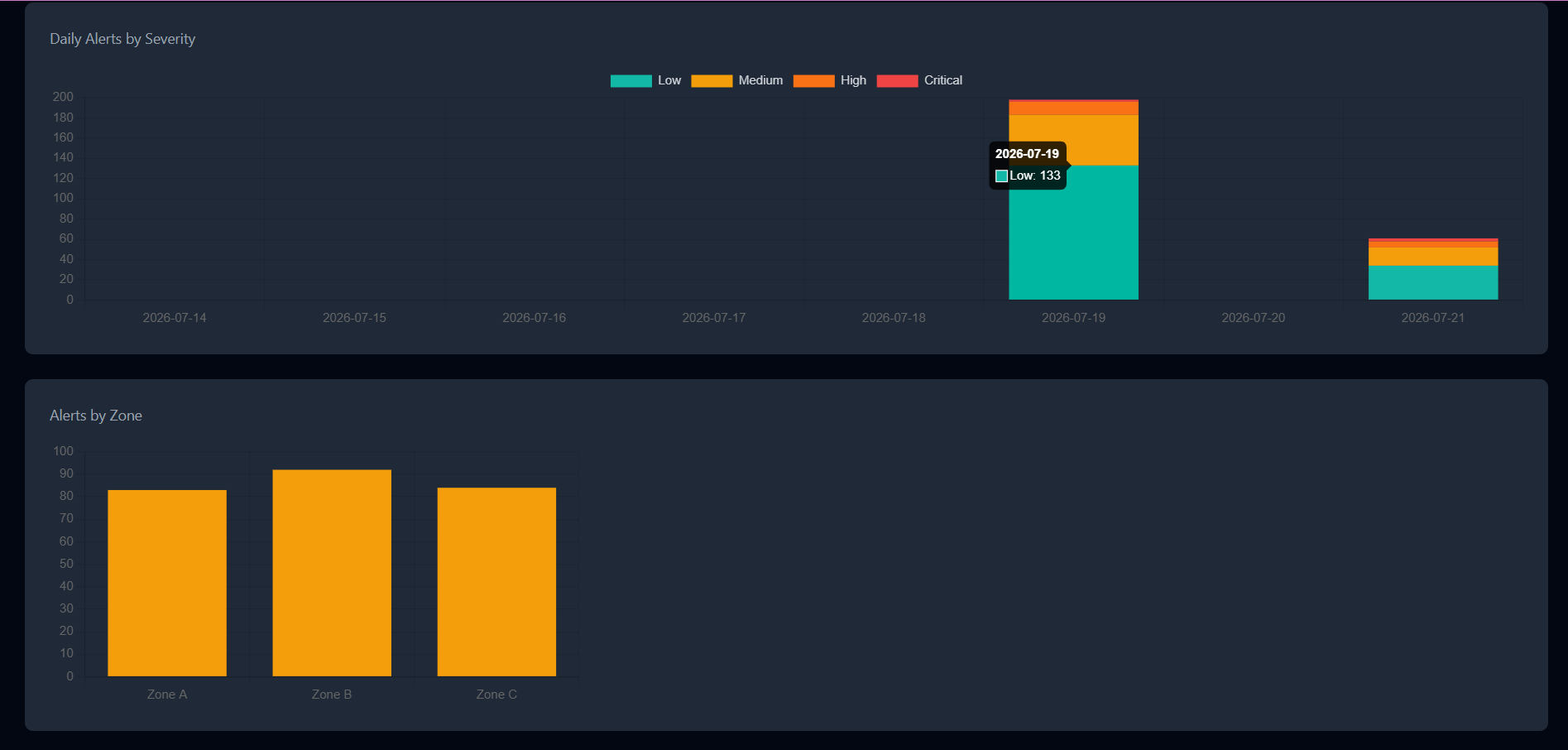
A mine safety dashboard that tracks gas, air quality, temperature and humidity across zones and raises alerts when readings look dangerous. It runs on simulated sensor data.
Approach
I hand-designed the MySQL schema (zones, workers, sensor readings, alerts, users) and wrote rule-based risk logic. For ML hazard detection I chose Isolation Forest, an unsupervised method, because any labels would only come from my own thresholds. Built with Flask, Flask-SQLAlchemy and MySQL, with an HTML, Tailwind and vanilla JS front end.
Result
No measured result: the sensor data is simulated. Deployed on Render + Aiven.
How it fits together
- Simulated sensor datagas, air quality, temperature, humidity
- Flask + MySQLzones, workers, readings, alerts, users
- Risk detectionrule-based logic + Isolation Forest
- Alerts
- Dashboard
Features
- Dashboard for gas, air quality, temperature and humidity readings
- Alerts when readings look dangerous
- Rule-based risk logic plus Isolation Forest hazard detection
- Cinematic drilling-animation login page
- Schema covering zones, workers, sensor readings, alerts and users
What I learned
With simulated data, any labels would only come from my own thresholds, so an unsupervised model (Isolation Forest) was the honest choice over a supervised one. I designed the schema and the risk logic by hand, and let AI help with the routine CRUD routes and styling.
Tech
FlaskFlask-SQLAlchemyMySQLIsolation ForestHTMLTailwindJavaScriptRenderAiven
Screens
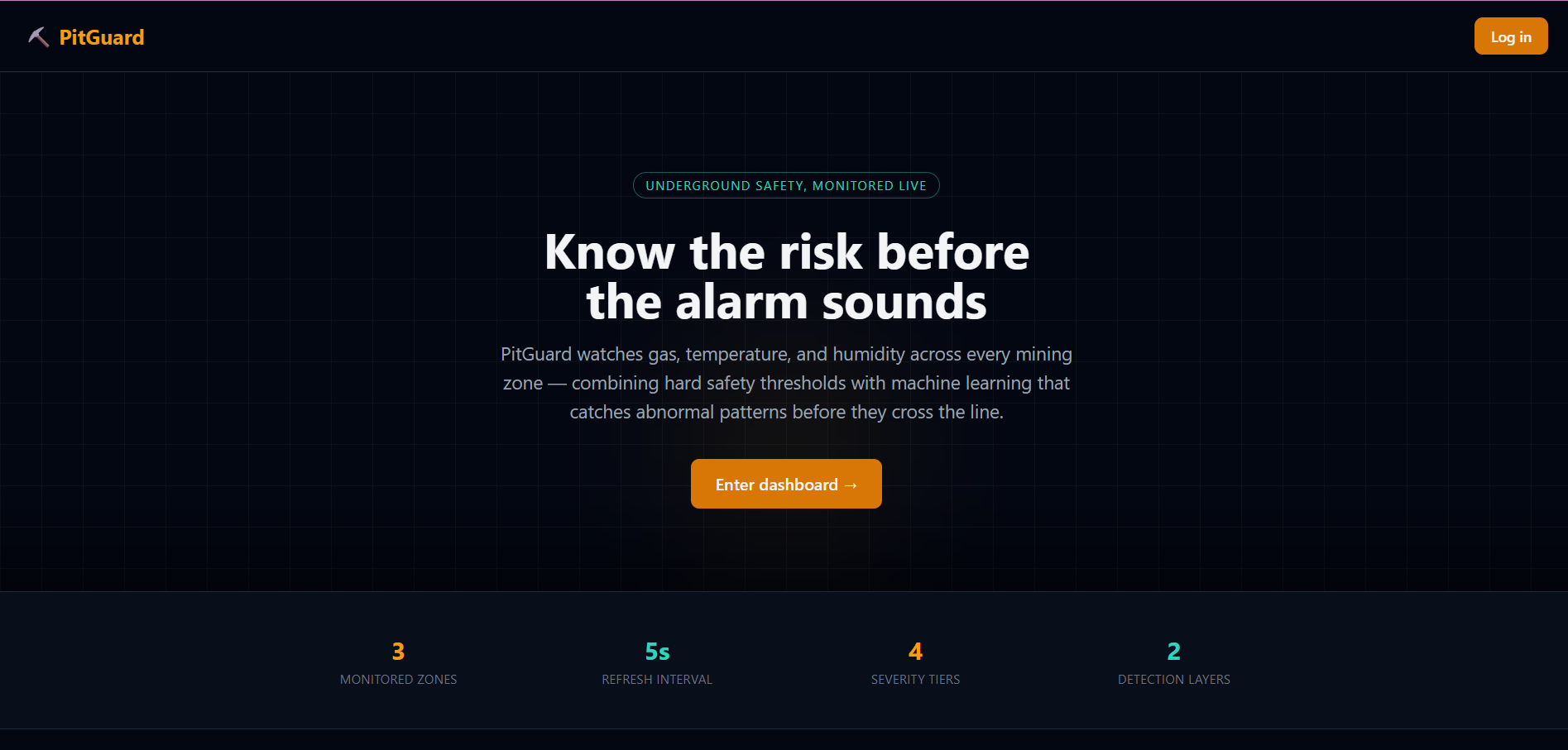
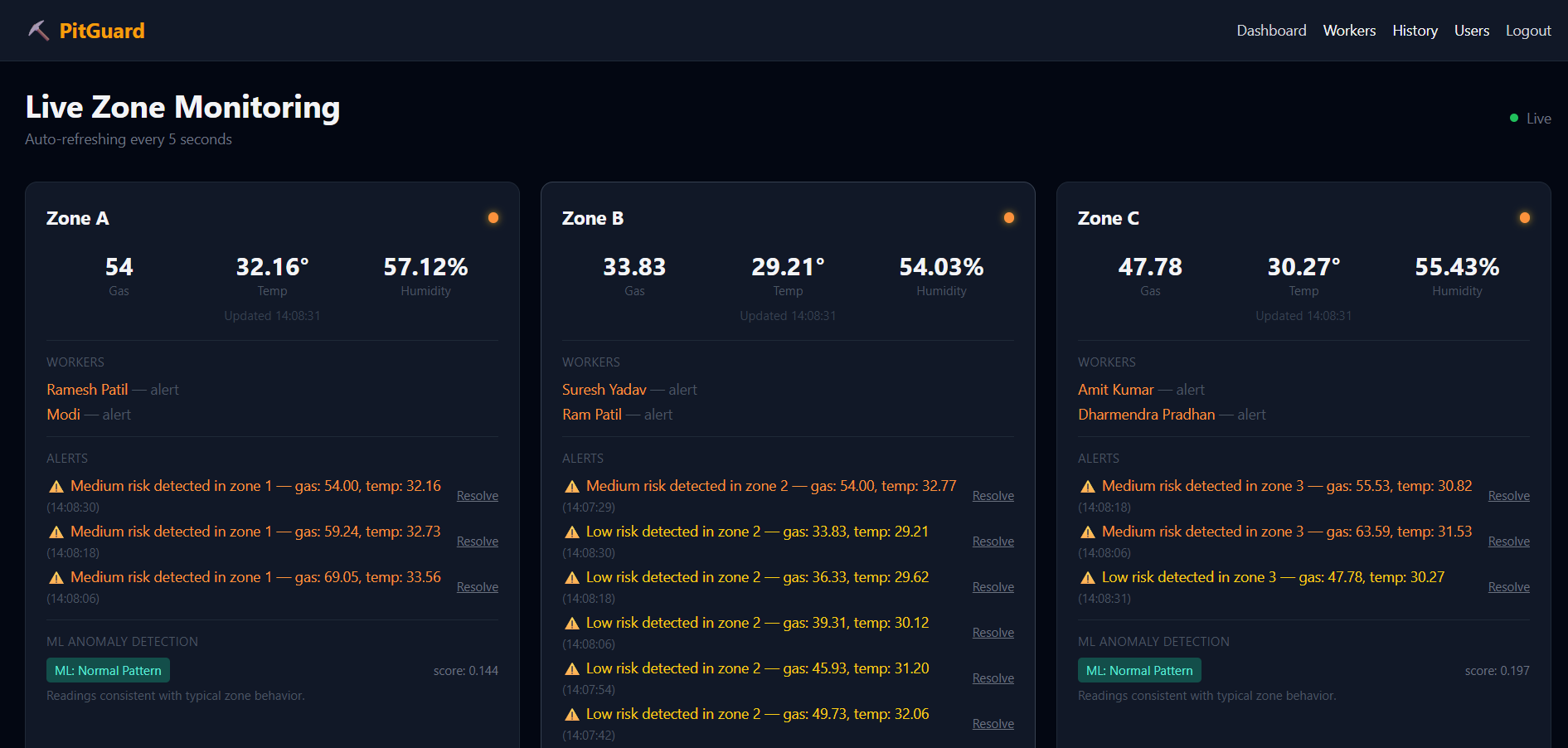
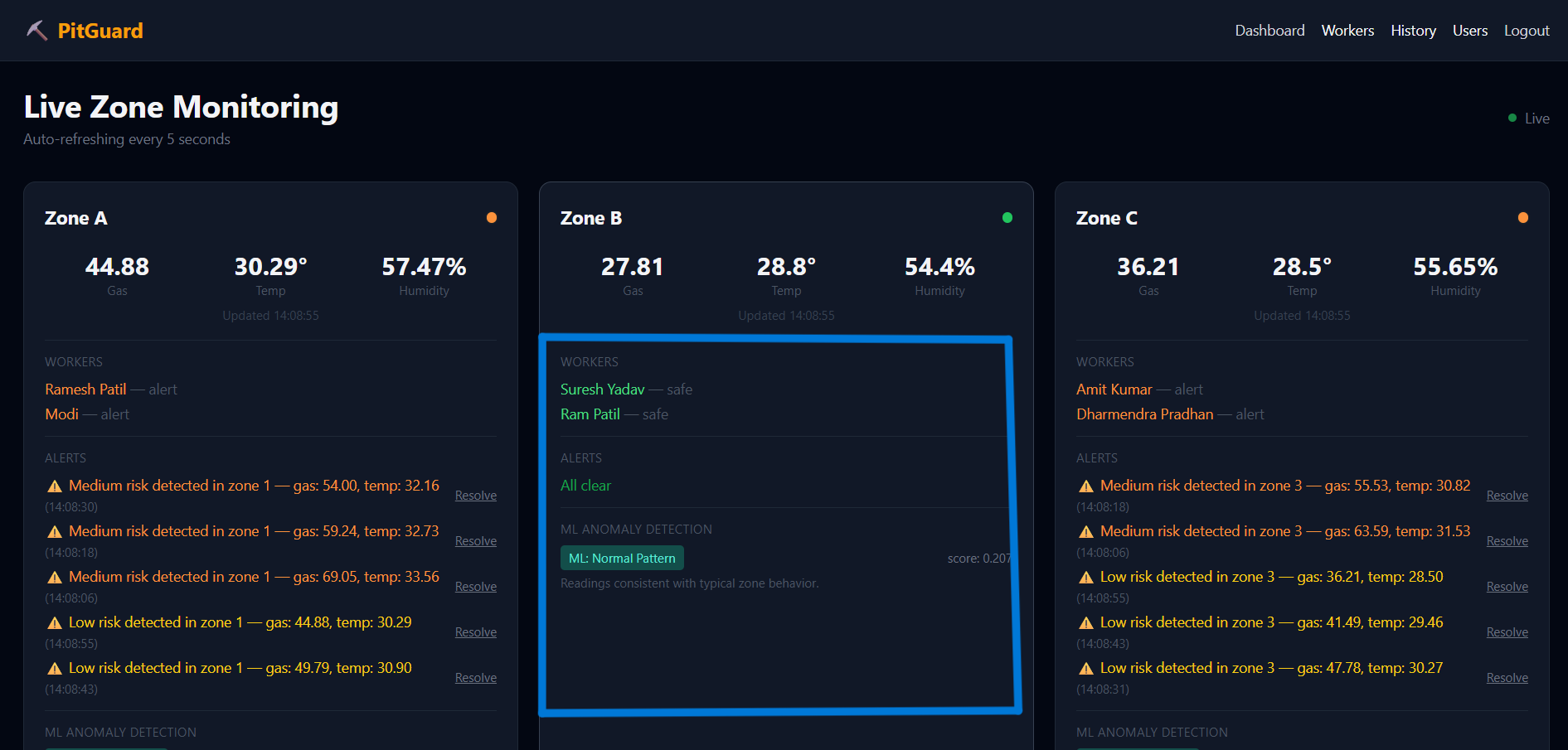
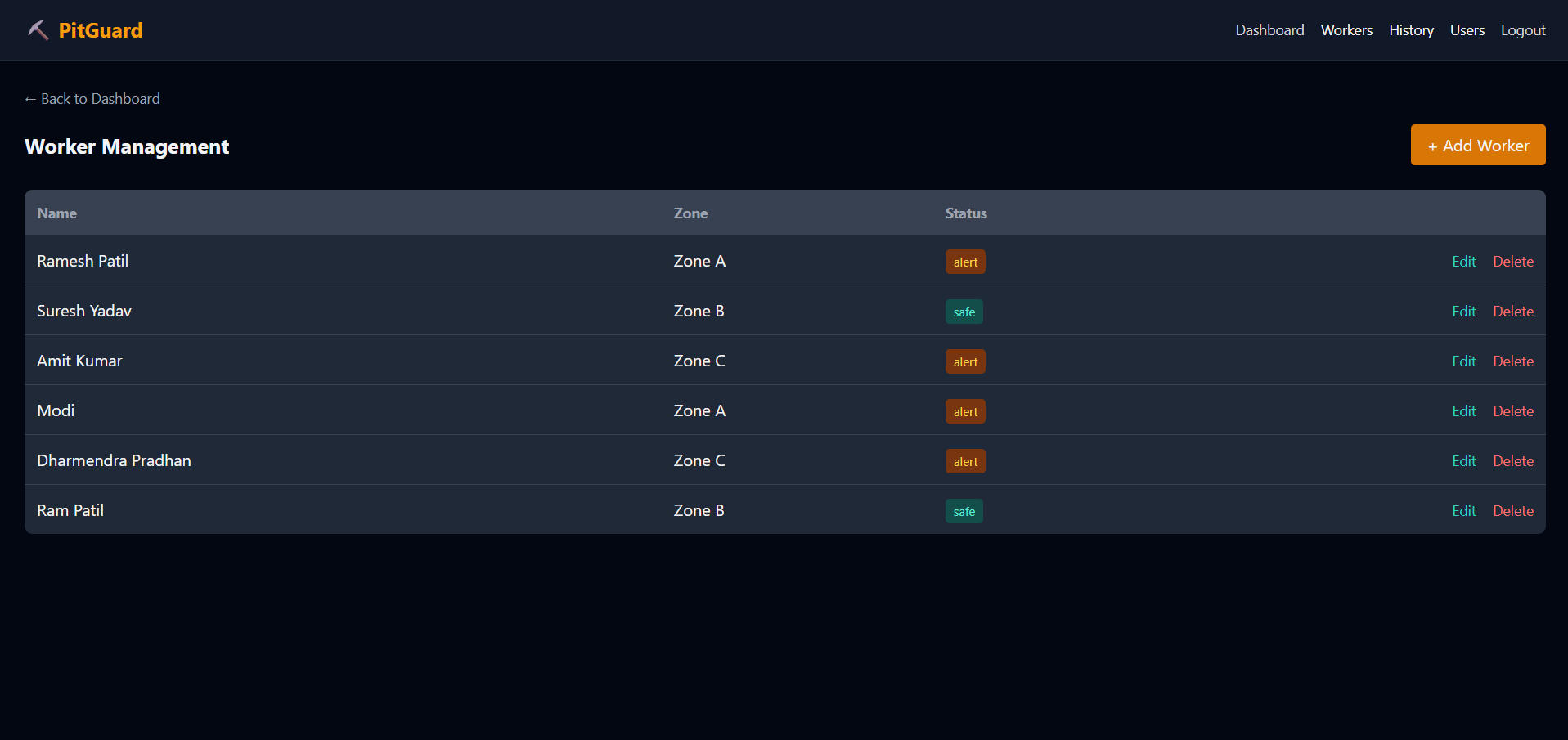
The landing page
1 / 5The landing page
1 / 5keep scrolling ↓